Welcome! These sections contain everything you may need for selecting and adding BadgerLink resources to your website or learning technologies, requesting promotional materials for your library, locating or arranging training, and finding support. Written for those new to the library field in Wisconsin, or anyone wanting to double check or enhance their setup and understanding. BadgerLink is a collection of over 60 unique databases and other electronic resources that span the educational and personal interest needs of all ages. Wisconsin residents may access the collection, whether its through their school, public library, or directly on the BadgerLink website.
- Access and Set-Up Information
- Resource Links and Guides
There are over 60 unique resources in the BadgerLink collection. Use these tools to help your selection process.
BadgerLink Resource Links & Logos
Complete listing as well as separate tabs for K12 grade levels and the public library.
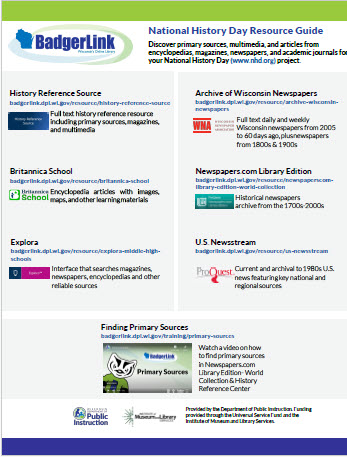
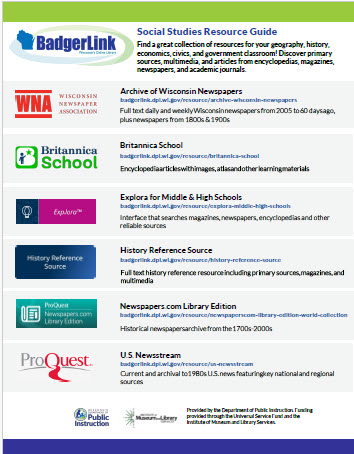
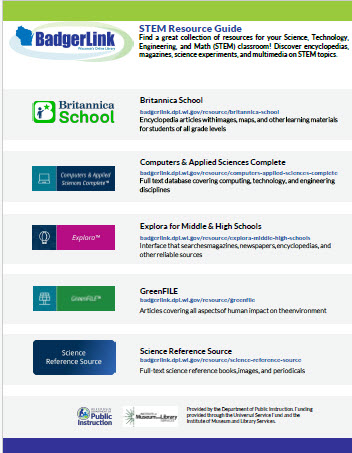
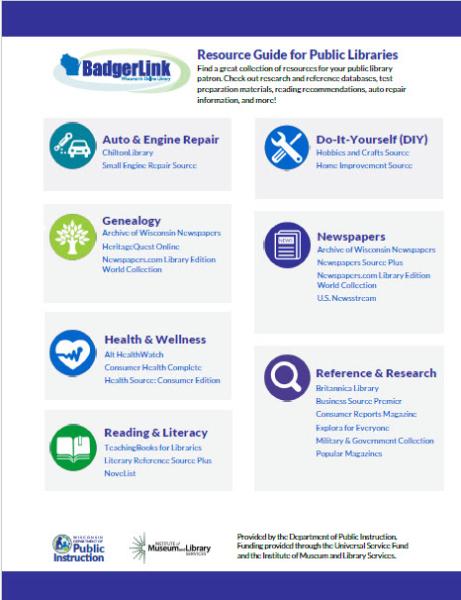
Resource Guides
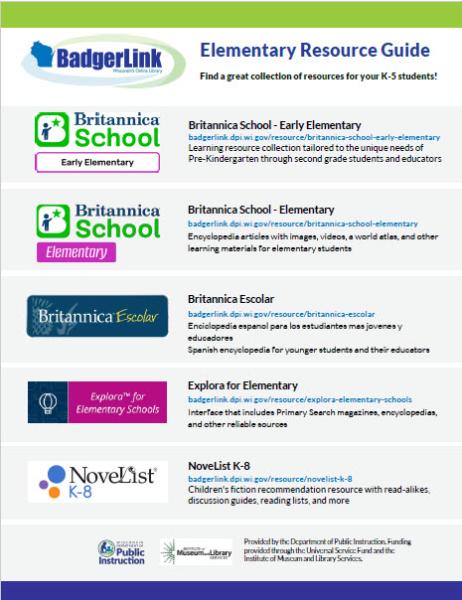
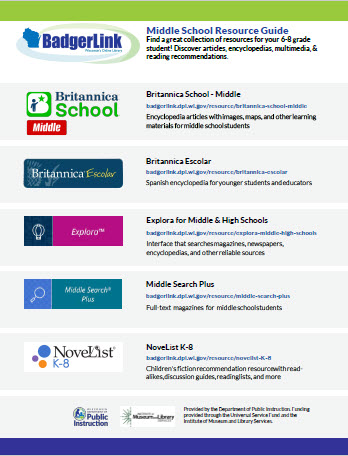
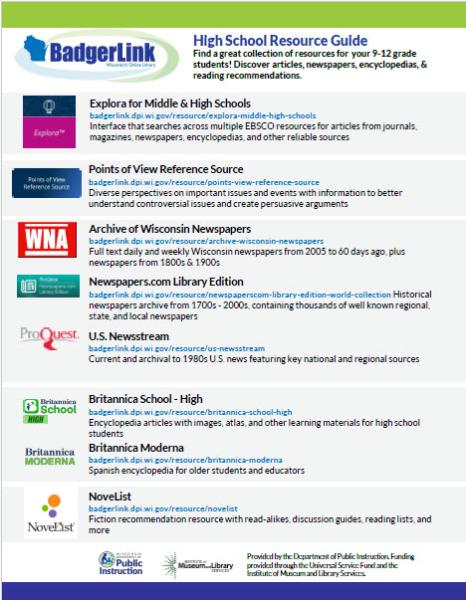
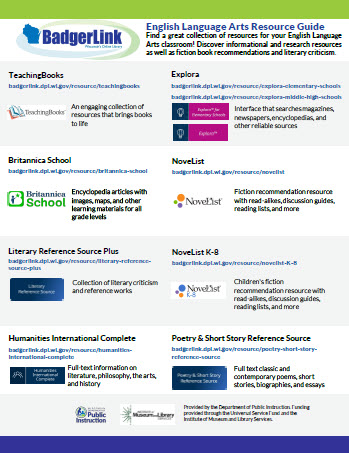
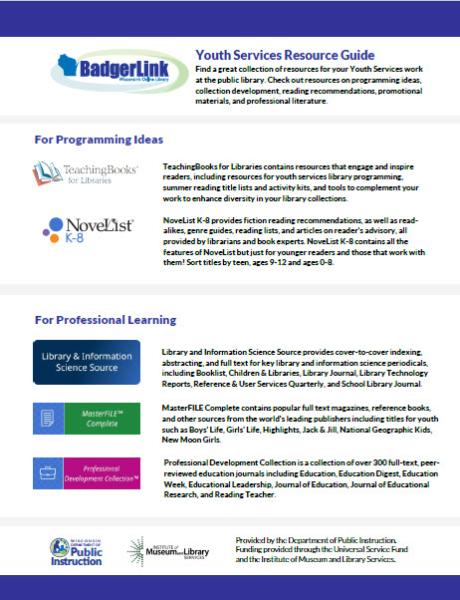
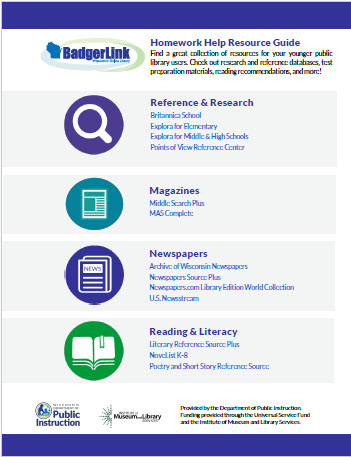
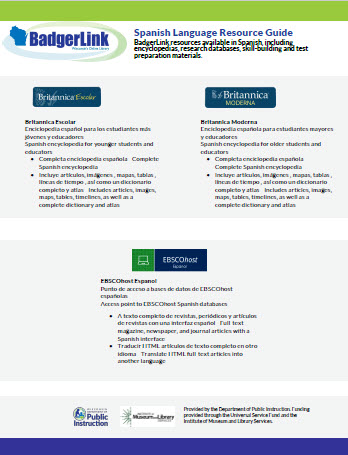
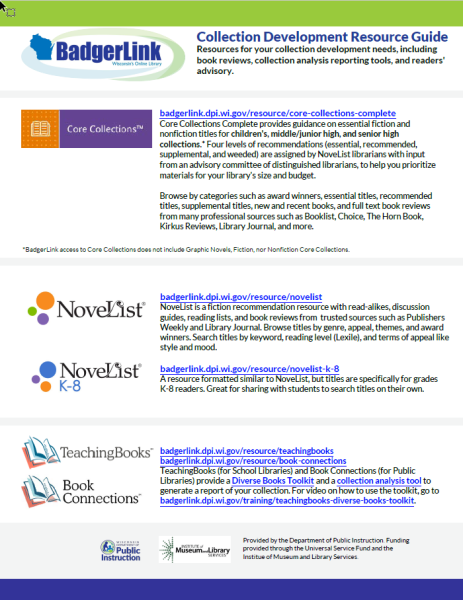
Best bets for K12 grade levels, subject areas, and the public library.
- Training and Support

Training Materials
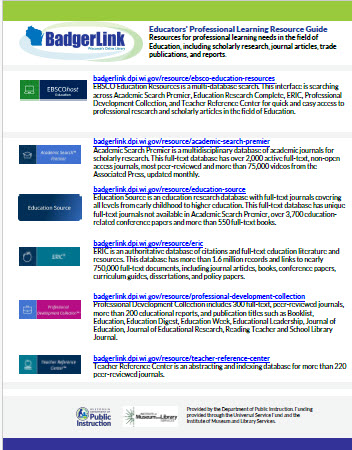
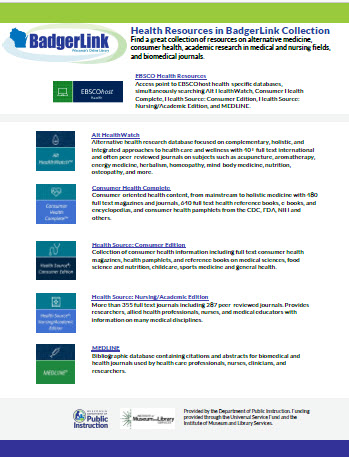
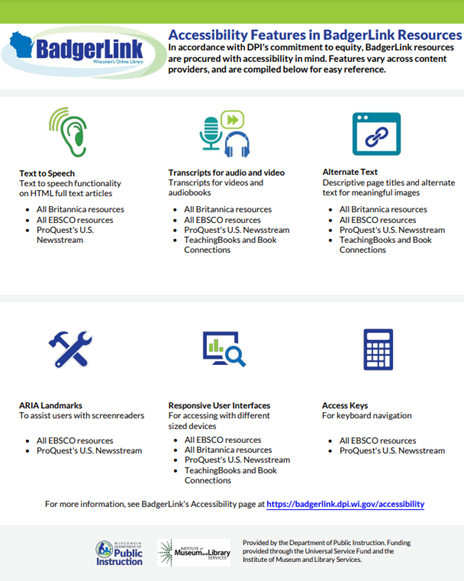
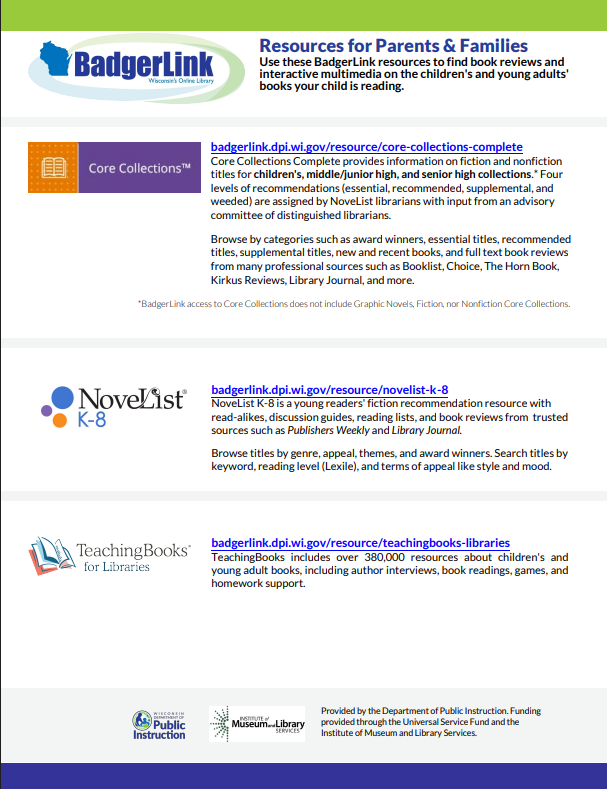
Info sheets and videos showing resource features and functionality, and vendor websites with additional help.

Support and Technical Assistance
Contact us with questions about setup, error messages, best practices, retrieving & analyzing your library's usage reports, finding specific content, etc. We're here to help!

1:1 Consultations
30 minute 1:1 consultation sessions to cover any specific questions. Great option when emailing isn't desired!
- Promotion and Marketing Materials

Outreach Materials
Flyers and other materials available for digital use or printing at your location.

Share Your BadgerLink Story
Libraries and users can share their BadgerLink story! Many are published for others to enjoy.
- Activities and Research Guides
Explora for Middle and High Scavenger Hunt
Activity for learners to use Explora for Middle & High Schools.
- Usage Data and Analysis

Usage Data and Analysis
BadgerLink usage statistics, data definitions, how to request your library's usage.